
QuickBooks Online makes it easier for business owners to manage their books, connect bank accounts, categorize transactions, and generate financial reports.
But easier doesn’t always mean automatic.
A transaction can be entered into QuickBooks and still be recorded incorrectly. Over time, small bookkeeping mistakes can accumulate and affect your account balances, Profit & Loss, Balance Sheet, Accounts Receivable, and other financial information.
Here are five common bookkeeping mistakes we see—and why they matter.
1. Adding Bank Feed Transactions That Already Exist in QuickBooks
Connecting your bank and credit card accounts to QuickBooks can save a significant amount of time.
But the bank feed should be reviewed carefully.
Suppose you already recorded a $2,500 customer payment in QuickBooks. When the $2,500 deposit later appears in the bank feed, QuickBooks may allow you to match it with the transaction that already exists.
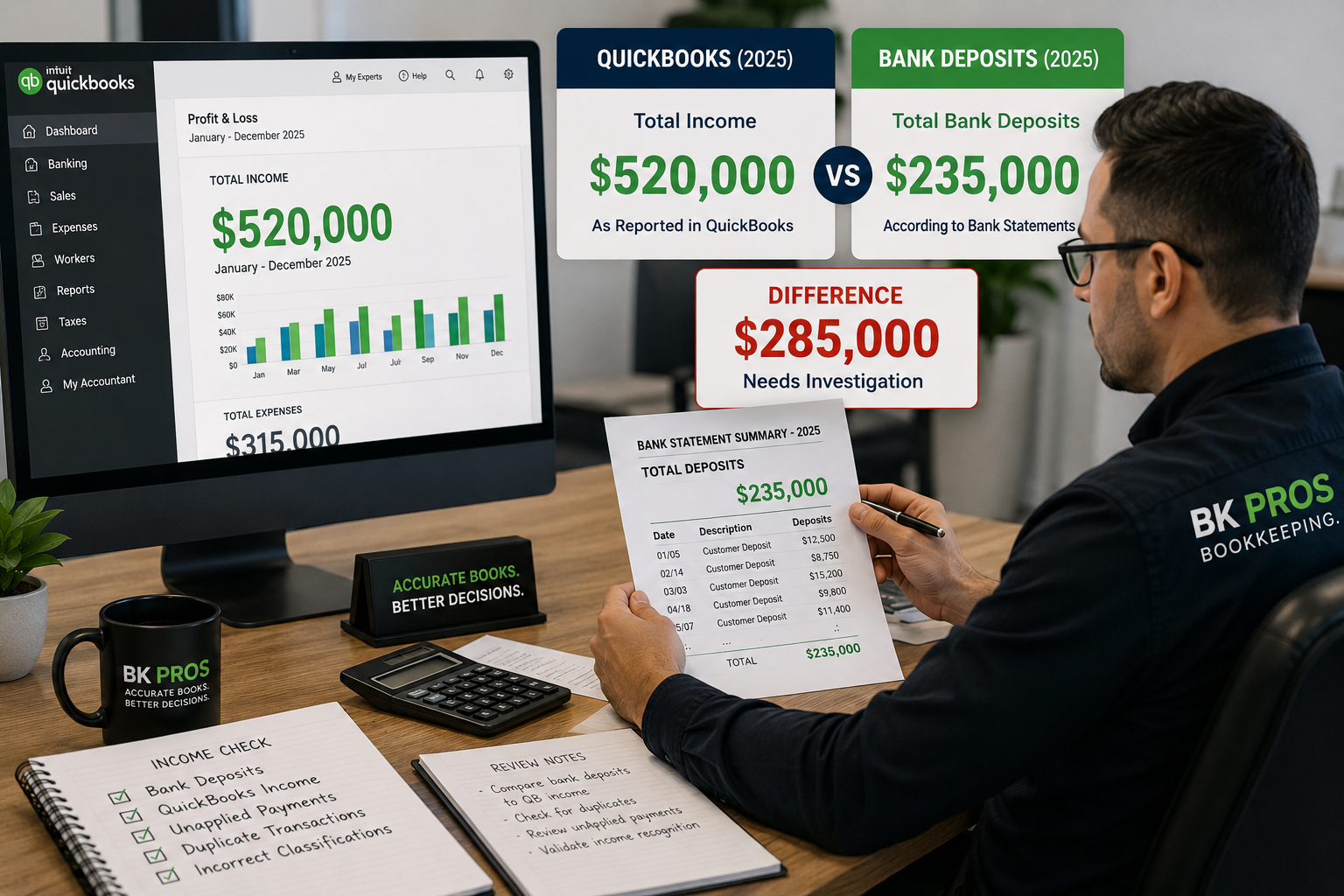
If you add the bank-feed transaction as new instead, QuickBooks may now contain two transactions for something that happened only once at the bank.
One real transaction.
Two transactions in QuickBooks.
When this happens repeatedly, duplicate transactions can affect income, expenses, account balances, and financial reports.
Before clicking Add, always consider whether the transaction may already exist in QuickBooks.
2. Not Reconciling Bank and Credit Card Accounts Regularly
Seeing transactions download from your bank doesn’t mean the account has been reconciled.
A reconciliation compares the activity recorded in QuickBooks with an actual bank or credit-card statement for the same period.
This process can help identify:
- Missing transactions
- Duplicate transactions
- Incorrect amounts
- Transactions recorded in the wrong account
- Changes to previously reconciled transactions
- Other discrepancies
Ideally, bank and credit-card accounts should be reconciled regularly.
If several months pass without reconciliation, errors can accumulate and become much more difficult to investigate later.
Bank feeds bring transactions into QuickBooks. Reconciliation helps verify them.
3. Categorizing Transactions Based Only on Money Coming In or Going Out
A common mistake is assuming:
Money coming in = Income
and
Money going out = Expense
But bookkeeping doesn’t work that way.
For example, if your company receives a $50,000 loan, money entered the bank account—but the $50,000 isn’t automatically business income.
The company received cash and also created a liability that generally must be repaid.
Similarly, an owner’s contribution to the company isn’t automatically sales income.
And money leaving the bank isn’t always an expense. A payment could represent:
- Purchase of an asset
- Loan principal
- Owner distribution
- Credit card payment
- Transfer between accounts
- Vendor payment
- Business expense
The direction of the money doesn’t determine the accounting category.
What the transaction represents determines how it should be recorded.
4. Mixing Personal and Business Transactions Without Proper Classification
Small business owners sometimes use company accounts for personal purchases or use personal funds to pay business expenses.
That doesn’t necessarily mean the transaction should simply be deleted from QuickBooks.
The transaction actually occurred in the account and may need to be recorded appropriately.
Depending on the business structure and circumstances, owner-related transactions may need to be classified as contributions, draws/distributions, reimbursements, or another appropriate category.
The important thing is to avoid automatically treating every deposit as business income or every payment as a business expense.
Properly identifying owner-related activity helps keep the company’s operating activity separate from personal activity.
5. Deleting Transactions to Make QuickBooks “Look Right”
This can be one of the most damaging mistakes.
A business owner notices that QuickBooks doesn’t match the bank, an invoice appears unpaid, or a strange balance appears on a report.
The natural reaction may be:
“I’ll delete the transaction and enter it again.”
But transactions in QuickBooks can affect multiple accounts.
Deleting an invoice, payment, bill, deposit, check, or other transaction may also affect:
- Accounts Receivable
- Accounts Payable
- Customer balances
- Vendor balances
- Income
- Expenses
- Bank balances
- Previous reconciliations
And sometimes what appears to be a duplicate shouldn’t simply be deleted.
For example, two transactions may actually represent different parts of the same accounting workflow and need to be properly matched or connected.
Before deleting transactions, determine what created the problem and what accounts will be affected by the correction.
Small Mistakes Can Become Big Problems Over Time
One incorrectly categorized transaction probably won’t destroy your books.
The bigger problem occurs when the same mistake is repeated hundreds—or even thousands—of times.
A duplicated $500 transaction may seem small.
But if similar duplicate transactions occur repeatedly throughout the year, your financial reports can gradually move farther away from what actually happened in the business.
The same applies to unreconciled accounts, incorrect categories, owner transactions, and unresolved Accounts Receivable or Accounts Payable activity.
Bookkeeping cleanup often isn’t about finding one enormous mistake.
It’s about identifying patterns of smaller mistakes that accumulated over time.
Don't Fix the Report—Fix What Created the Report
When a Profit & Loss or Balance Sheet doesn’t look right, the solution isn’t necessarily to create a journal entry simply to make the unusual balance disappear.
Financial reports are the result of the transactions recorded underneath them.
So when something looks wrong, start with the underlying activity.
Ask:
- Which transactions created this balance?
- When did the problem begin?
- Is the transaction duplicated, missing, or incorrectly categorized?
- Was a previously reconciled transaction changed?
- Does the transaction affect another account?
The objective isn’t simply to make QuickBooks look correct.
The objective is to make sure the underlying bookkeeping supports the numbers QuickBooks is reporting.
Are Bookkeeping Mistakes Hiding in Your QuickBooks File?
Bookkeeping problems aren’t always obvious.
Your QuickBooks file may continue generating reports even when duplicate transactions, reconciliation issues, incorrect classifications, or unusual balances exist underneath them.
BK PROS can review your QuickBooks file and help identify signs that your books may need additional attention.
Not sure whether your books are accurate?
Get Your Books Reviewed.